A Bible storybook app for kids

Bible stories, games and prayer with Levi the lamb.

Make room for a little faith each day. Read or listen to illustrated Bible stories, play with what you heard, and end with a short prayer, together.

  • Free, with no ads
  • No in-app purchases
  • Stories work offline
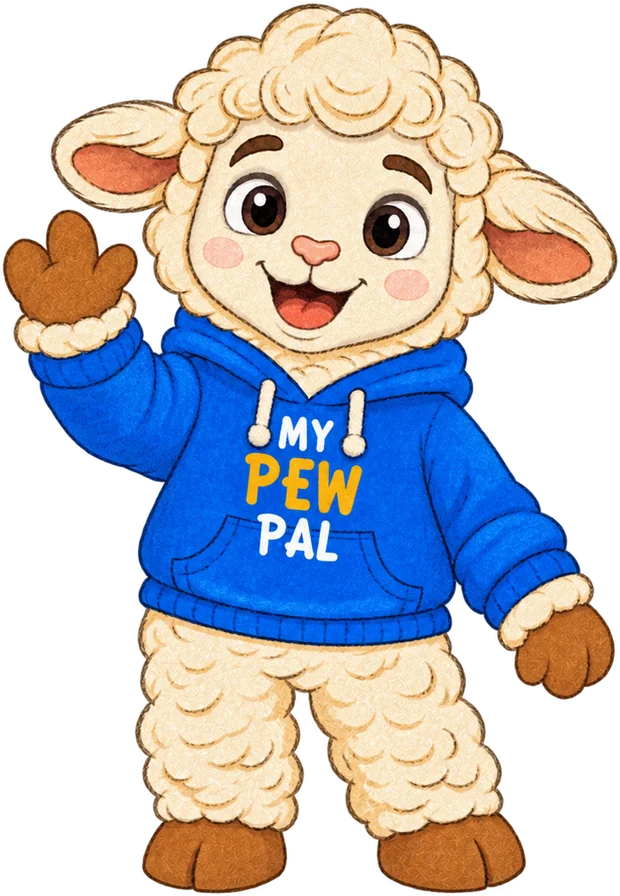
Levi the lamb in a blue My Pew Pal hoodie, waving hello

A little faith each day

One story, four small steps.

A quiet moment after school or a story before bed. Each visit follows the same gentle path.

  1. Read

    Turn the pages of a colorful Bible story, one short part at a time.

  2. Listen

    Tap “Read to me” and a friendly voice reads the story aloud. Pause and pick up where you left off.

  3. Play

    Put the story in order, find the words, or try a quick quiz to help it stick.

  4. Pray

    End with a short prayer, or visit the Prayer Garden for words of comfort.

Inside the app

A storybook kids ask to open.

Kids follow Levi through the Bible, from the first garden on. Grown-ups can sit beside them, read along, and talk about the story together.

  • 40 illustrated Bible stories in a simple page-by-page reader
  • Read aloud with Marin or Cedar, two narration voices built into the app
  • Six kinds of games built from the stories, plus a short recap to revisit one

Free on iPhone and iPad. Android is coming soon.
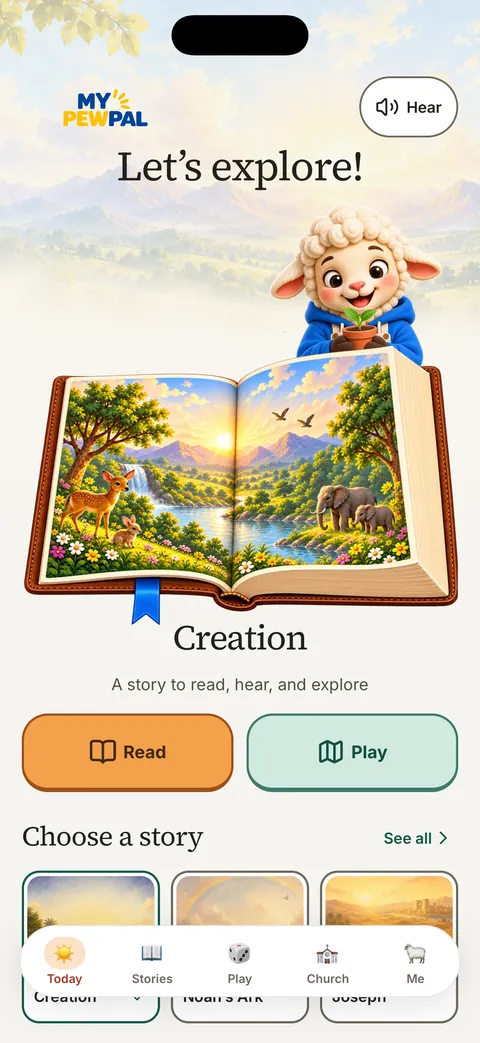
  • Today screen: Levi says Let's explore over an open storybook of Creation, with Read and Play buttonsPick today’s story
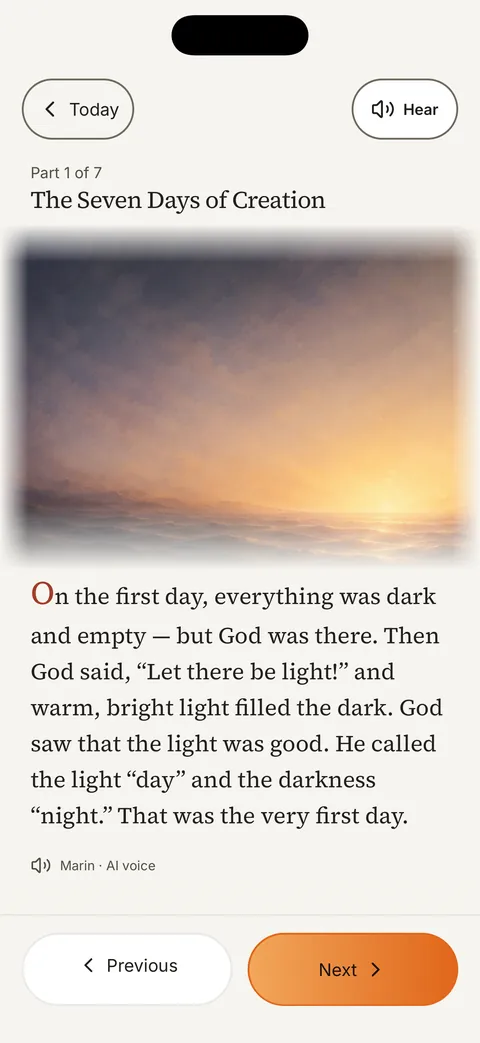
  • The Seven Days of Creation, part 1 of 7, with a sunrise picture and the story textRead it, or hear it read aloud
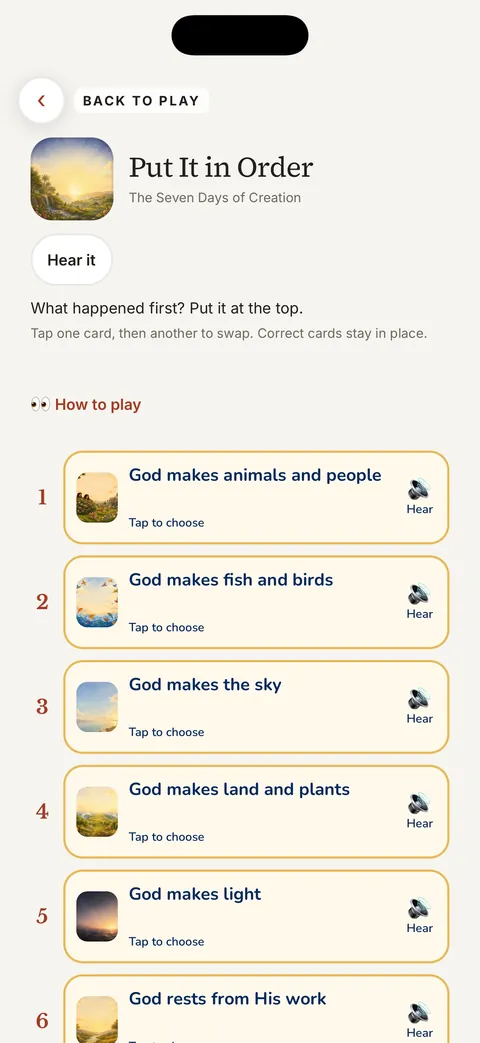
  • Put It in Order game for The Seven Days of Creation, with six story cards to arrangePlay with what you heard
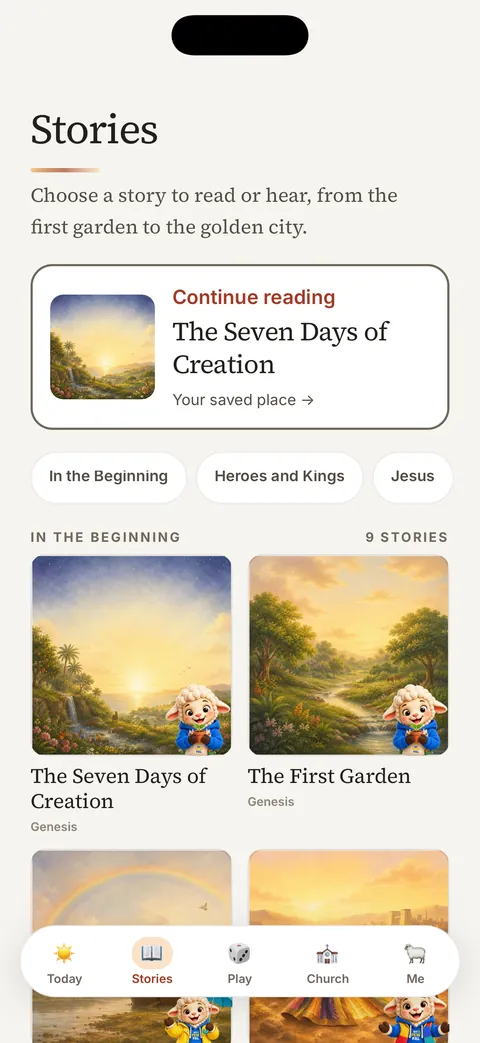
  • Stories library with Continue reading and story covers for The Seven Days of Creation and The First GardenFind your next story

Screens from My Pew Pal on iPhone.
More to explore

Room to grow, all week long.

  • Story Road and My Sky

    Follow a road through reading and games, and collect story stars in your own sky.

  • Bible School

    Short lessons that collect Bible verses as you finish them.

  • Prayer Garden

    A calm place with simple prayers and words of comfort.

  • Bedtime sounds

    Gentle sounds with a sleep timer to help little ones wind down.

  • Works offline

    Stories, voices, games, prayers and bedtime sounds are all in the download. Great for the car or the pew.

  • Your church, too

    With a grown-up’s help, connect to a participating church and read, play and pray with its messages for kids.

For grown-ups

Made to be handed to a child.

My Pew Pal keeps things simple and safe, so you can let your child explore while you sit beside them.

  • No ads or in-app purchasesNothing to buy, nothing to tap away to.
  • No chat or child accountsNo sign-up, no messages from strangers.
  • Progress stays on your deviceStars, stories read and saved verses are not sent to us.
  • A grown-up gateSettings, church codes and outside links sit behind a parent check.

The stories are retellings for children. Read them alongside your Bible and talk about the message together.

For churches

Sunday’s message, made for your kids.

Church plans include both of our apps. Members follow the week’s passage in Sermon Sidekick, and families pick up the same message with their kids in My Pew Pal.

  1. Step 1
    Your church shares a codeA grown-up enters it in the Church tab, behind the parent check.
  2. Step 2
    Kids get their church’s messagesThey read, play and pray with what their church published for children.
  3. All week
    Read it again anytimeThe latest message is saved on the device, so it works offline too.

Questions

Good to know.

Is My Pew Pal free?

Yes. My Pew Pal is free to download, with no ads and no in-app purchases. Churches can add their own messages for kids through a church plan.

Which devices does it work on?

My Pew Pal is on the App Store for iPhone and iPad. Android is on its way to Google Play.

Does it need the internet?

No. The included stories, voices, games, prayers and bedtime sounds all work offline. You only need a connection to connect to a church, check for new church messages, or update the app.

What information does it collect about my child?

There are no child accounts, and your child’s progress stays on your device. Our privacy policy explains the few things that do leave the device, such as a church code when you connect to a church.

Are the voices real people?

Marin and Cedar are AI-generated narration voices, recorded ahead of time and built into the app. They work offline, and you can pause and resume without starting the story over.

Help and feedback

We’re here for grown-ups.

Write to us and a real person will reply. Tell us which screen you were on and your device, and please leave children’s names out of messages and screenshots.

My Pew Pal

Choose your store

Free to download. No ads or in-app purchases.